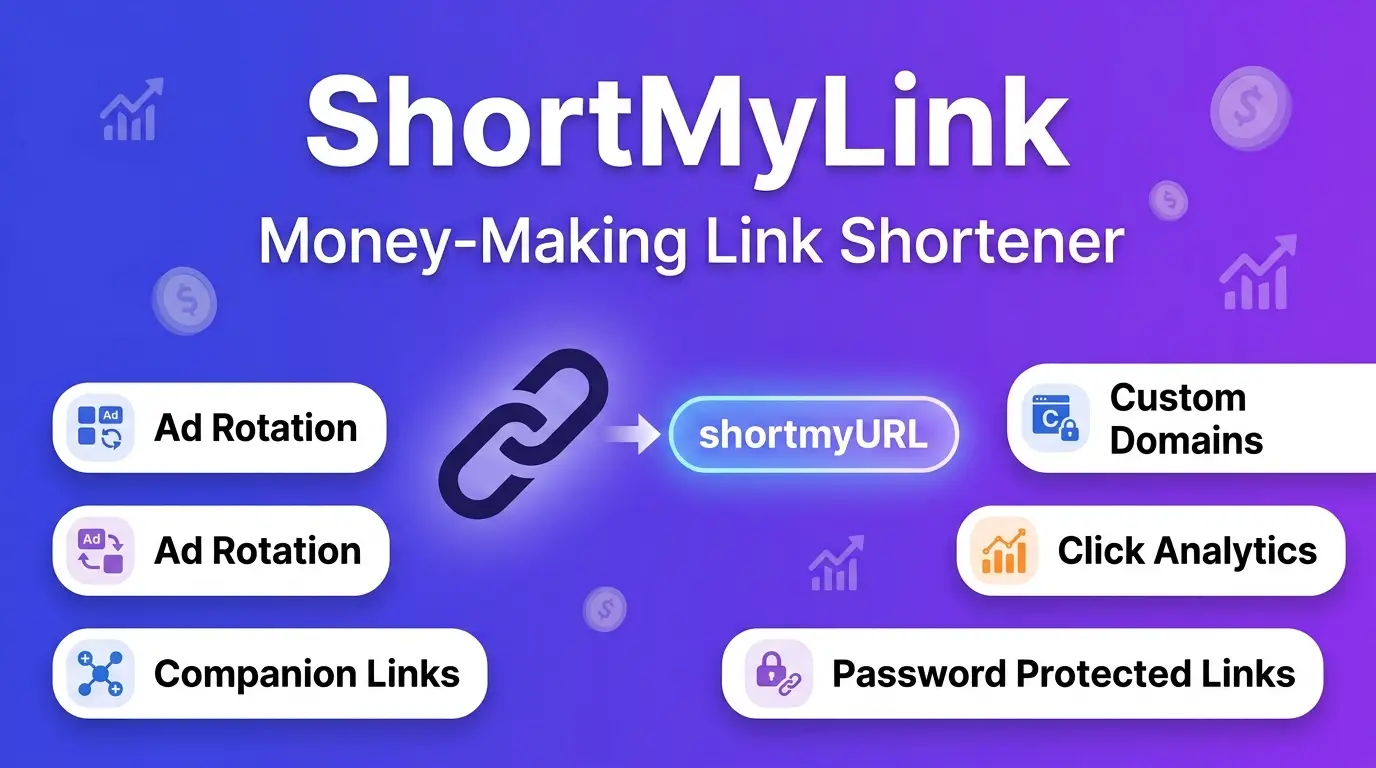
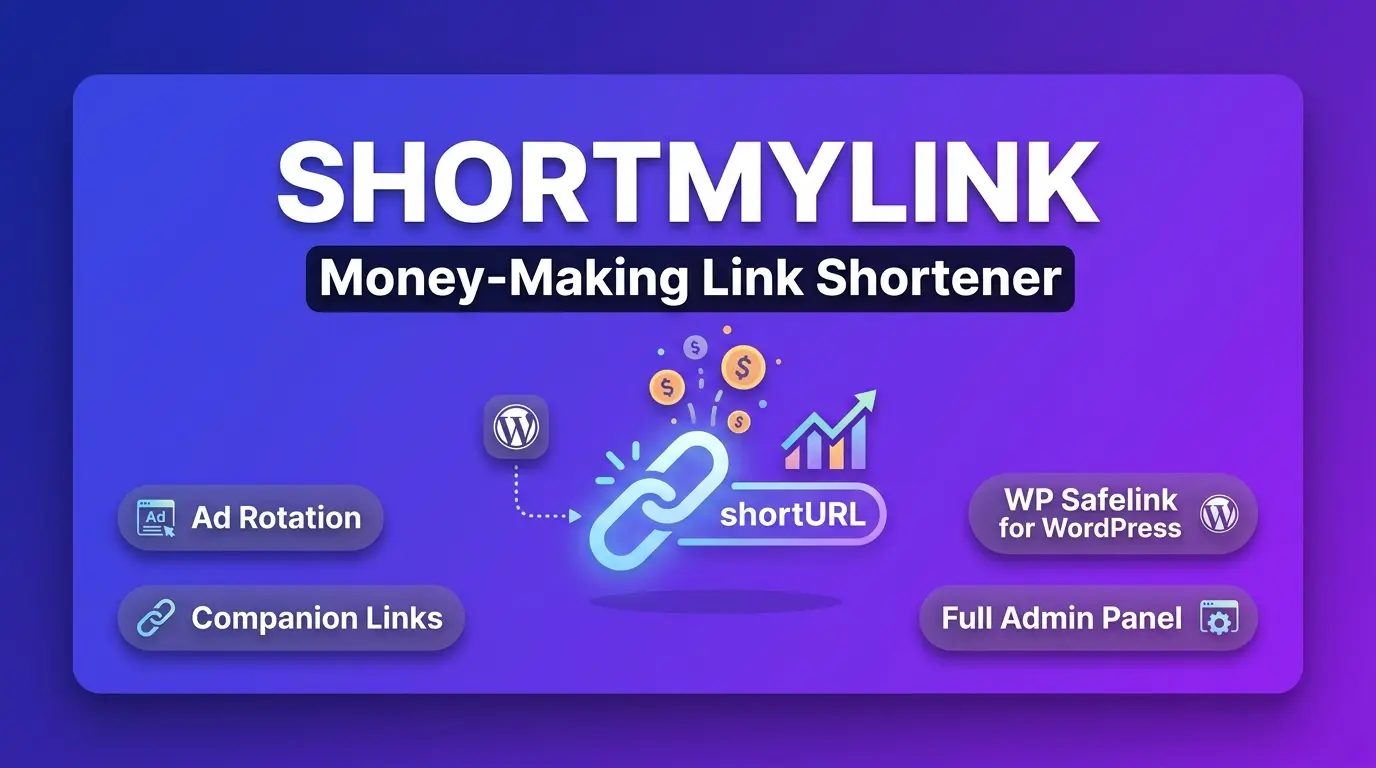
ShortMyLink + WP Safelink Bundle
Turn Every Link Click Into Revenue
✓ Recently Updated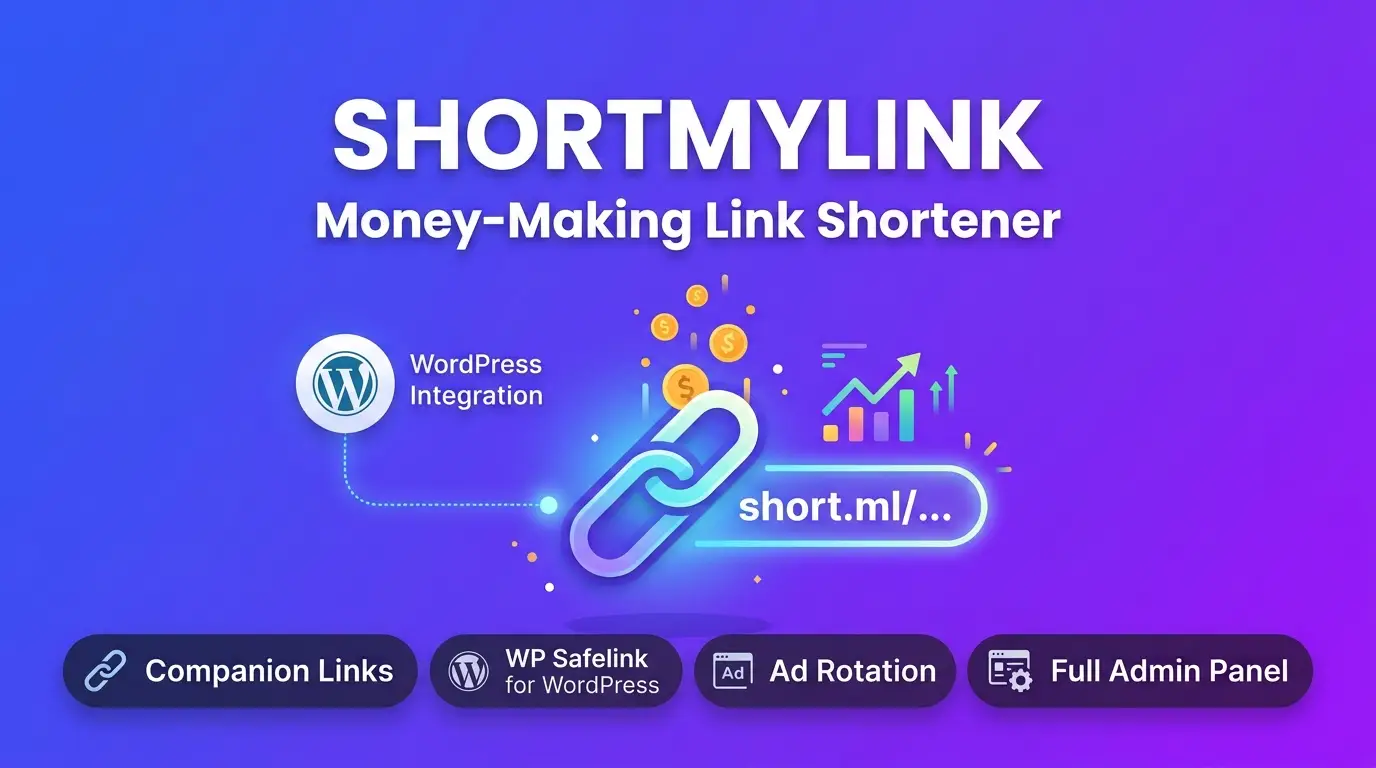
Description
Turn Every Link Click Into Revenue
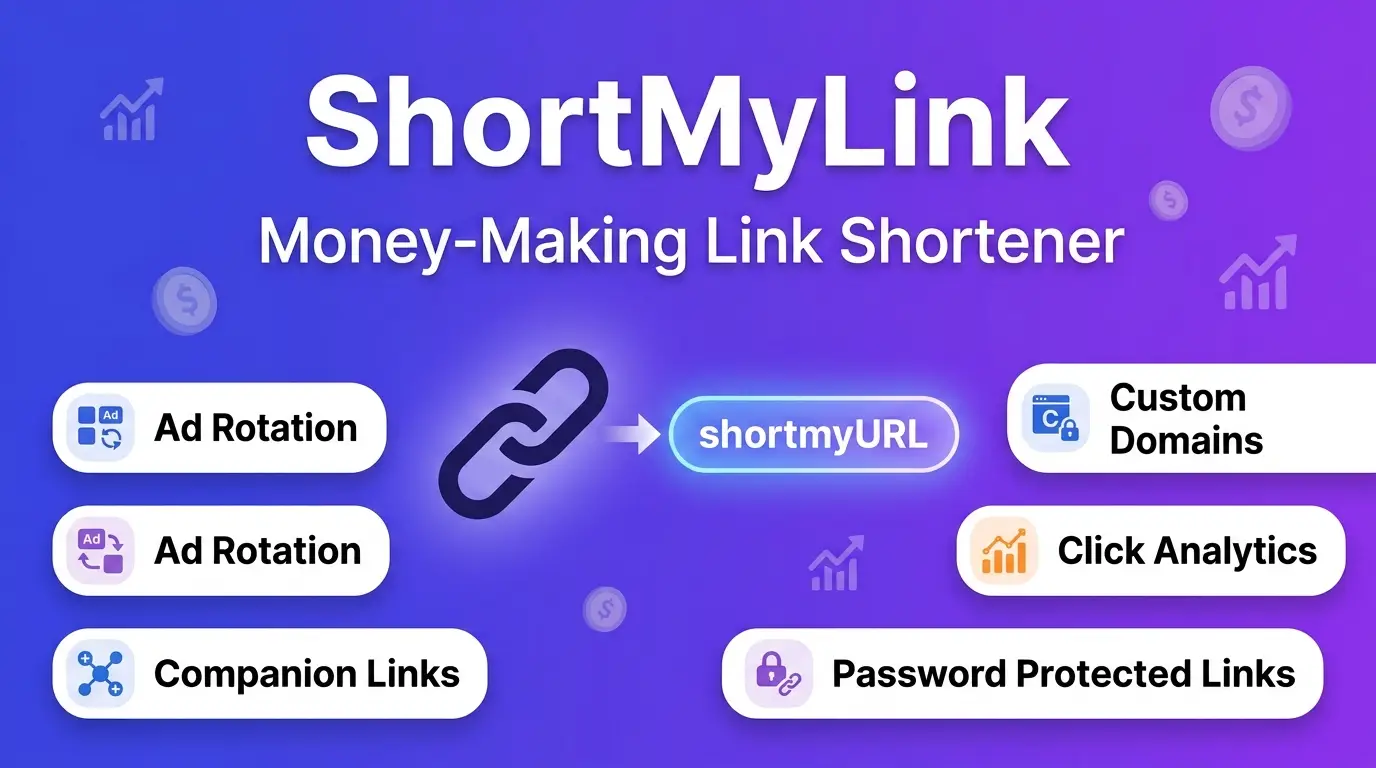
A self-hosted link shortener that doesn't just shorten links — it monetizes every single click, three different ways. Install it on your own domain, share your links anywhere, and get paid for the attention they attract.
📌 What You're Getting
This package includes two parts that work together:
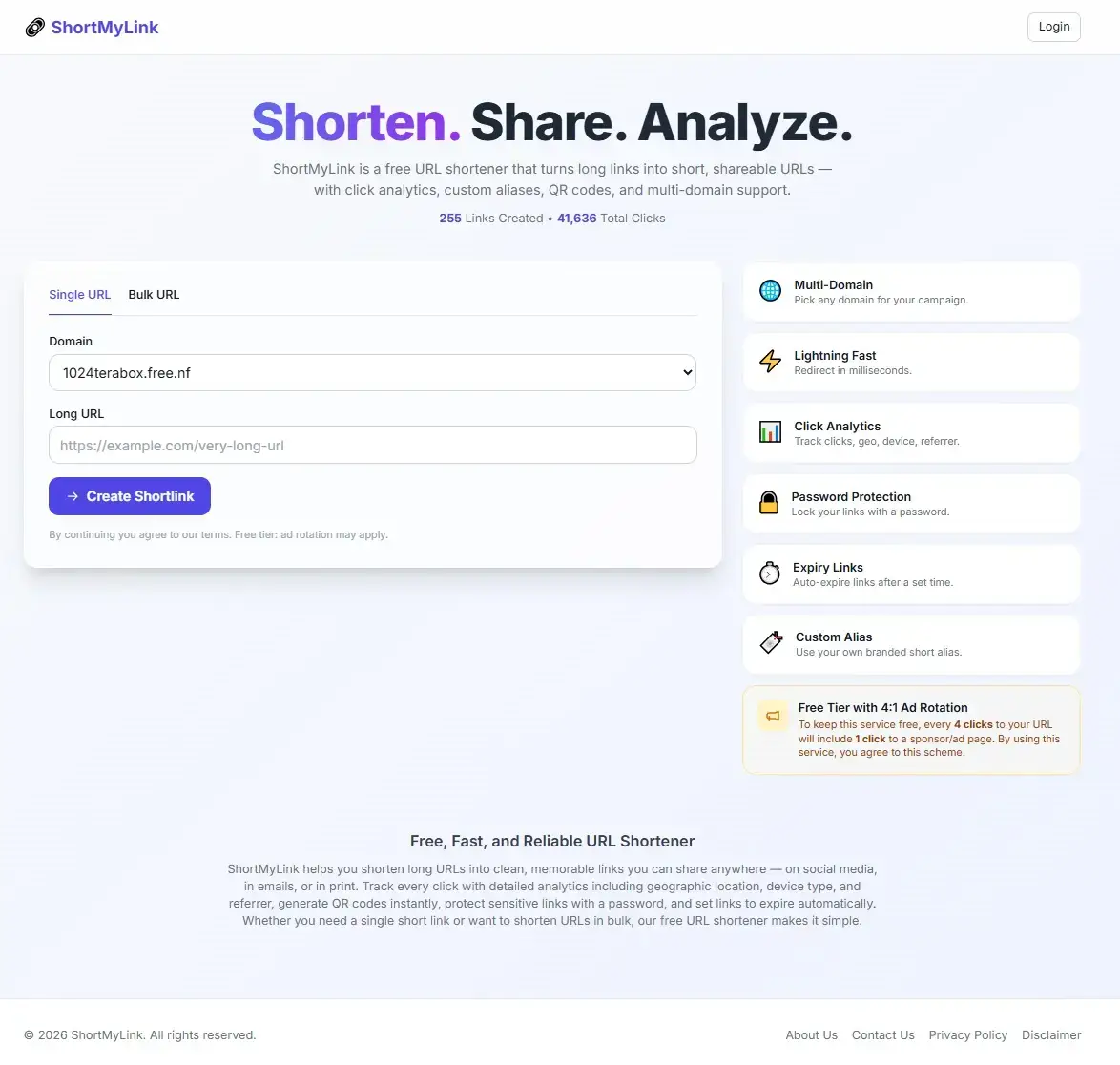
- ShortMyLink — the main PHP + MySQL application you install on your own hosting. It shortens links, tracks clicks, and includes three built-in money-making tools.
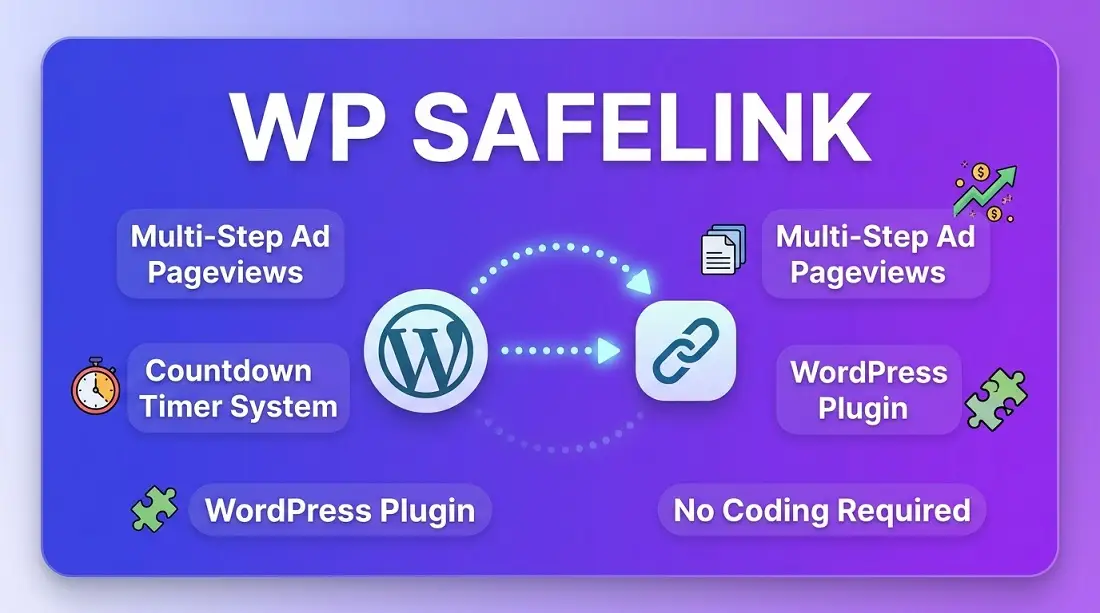
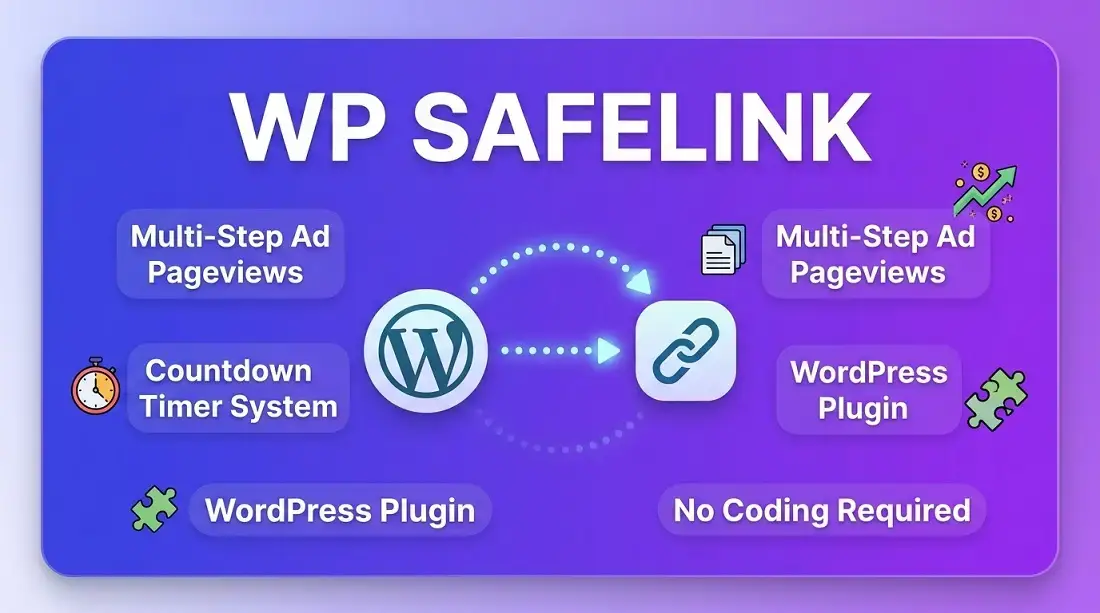
- WP Safelink plugin — a small, lightweight WordPress plugin that connects your WordPress site to ShortMyLink, so clicks can be routed through your WordPress posts before reaching the final link.
You don't need to be a developer to run any of this. Everything — turning features on or off, setting prices, ratios, timers, and links — is done from a simple Admin Panel with clicks, not code.
💰 Why This Is Called a Money-Making Machine
Every time someone clicks one of your short links, you get a small window of their attention before they reach what they actually want. This script lets you use that window — showing an ad, opening a bonus tab, or sending them through a few extra pageviews — automatically, on autopilot, for every single link you ever create.
⚙️ The Basic Idea First
Long URL → Your short link → Money-making step → Visitor's real destination
Normally, a link shortener just swaps a long URL for a short one. This script adds one extra, optional step in the middle — and that one extra step is where the earning happens. You choose which "money-making step" runs: an ad, a bonus link, a WordPress journey, or none at all for links you don't want to monetize.
1️⃣ Ad Rotation — Show an Ad Every Few Clicks
Ad Rotation quietly replaces the real destination with an advertiser's page on a ratio you control — for example, "1 out of every 4 clicks." The other clicks go straight through as normal, so most visitors never notice anything different, while you still collect ad impressions from a steady share of your traffic.
How it works, step by step
- You set a ratio (called "N") in Admin → Settings — for example, N = 4.
- ShortMyLink counts every click on each individual short link.
- On every Nth click (the 4th, 8th, 12th, 16th... click on that link), the visitor is sent to a random ad from your list instead of the real link.
- All other clicks (1st, 2nd, 3rd, 5th, 6th, 7th...) go straight to the real destination, like a normal short link.
Ratio (N) = 4
Click 1 → real link
Click 2 → real link
Click 3 → real link
Click 4 → AD shown ← 1 out of 4
Click 5 → real link
Click 6 → real link
Click 7 → real link
Click 8 → AD shown ← 1 out of 4
What you control from the Admin Panel
- The ratio (N) — a smaller number means more ads and more revenue, but a less smooth experience for visitors. A bigger number is gentler but earns less. Most site owners start around 4–6.
- Your list of ad URLs — add as many advertiser/sponsor links as you like; the script picks one at random each time an ad is due.
💡 Where the money comes from: you place your own ad network links (or direct sponsor links you're paid for) in the ad list. Every time the rotation lands on an ad, that's a paid impression or click for you, without you lifting a finger.
2️⃣ Companion Links — Double Up on Every Click
Companion Links open a second, bonus link automatically in a new tab, at the same time as the visitor's real link — on every single click, not just some of them. Instead of choosing between "show the real link" or "show an ad," this feature shows both.
What the visitor actually sees
- They click your short link as usual.
- A simple "Tap anywhere to continue" page appears — clean, fast, and mobile-friendly, with a big "Continue →" button.
- The moment they tap, two things open at once: your companion (bonus) link opens in a new tab, and their real destination opens right after it — so they still get exactly what they clicked for.
What you control from the Admin Panel
- Up to 5 companion link "slots" — add up to five different bonus URLs.
- Round-robin rotation — the script automatically rotates through your active slots in turn, so traffic is spread evenly across all of them instead of hammering just one.
- Turn any slot on or off individually, or switch off the whole feature with one toggle, any time.
- Per-slot click counts so you can see exactly how much traffic each companion link is getting.
💡 Where the money comes from: point your companion slots at pages with ads, offers, or your own monetized content. Because this runs on every click (not just 1-in-N like Ad Rotation), it's a reliable way to generate a steady stream of extra pageviews from traffic you're already getting.
3️⃣ WP Safelink — Send Every Click Through Your WordPress Site
This is the most powerful money-maker of the three. Instead of a single extra step, WP Safelink sends the visitor on a short journey through your own WordPress posts — the same technique used by large software, movie, and APK download sites to turn one link click into several real pageviews (and several rounds of ad impressions) on their WordPress site.
The full journey, step by step
- Visitor clicks your short link. ShortMyLink checks if WP Safelink is turned on.
- They land on one of your WordPress posts (one you've added as a "feed link"), shown as
Step 1 of N. - A countdown timer runs (you set how many seconds) — for example 10 seconds — while they naturally see your post's content and any ads on that page.
- A "Generate Next Link" button appears once the countdown finishes. Clicking it sends them to the next WordPress post in your rotation —
Step 2 of N— and the countdown repeats. - This continues for as many steps as you configured (up to 5).
- On the final step, the button changes to "Get Link" — clicking it finally sends the visitor to the real destination they originally wanted.
🧩 Two-part system: you configure everything (number of steps, countdown seconds, and which WordPress posts to use) from your ShortMyLink Admin Panel. On the WordPress side, the free companion plugin just needs to be installed and activated, and one short line — [sml_action] — added near the bottom of each post you want to use. It automatically shows the countdown at the top of the page for you, so there's very little setup work.
What you control from the Admin Panel
- Number of steps — from 1 to 5. More steps mean more pageviews per visitor, but a longer wait before they reach their link.
- Countdown seconds per step — set individually for each step.
- Your list of feed-link posts — add any number of WordPress posts/pages; ShortMyLink rotates through them round-robin, so traffic is spread across your whole site instead of just one page.
- One master on/off switch for the whole feature.
💡 Where the money comes from: every step is a real pageview on your own WordPress site — which means every ad you've placed in WordPress (display ads, ad networks, affiliate banners, your own products) gets shown again and again, once per step, for every single visitor chasing a link. A 3-step safelink turns one click into three monetized pageviews instead of one.
🧩 Using Them Together
Ad Rotation 1 out of every N clicks
✅ Works together with Companion Links
Companion Links Every click
✅ Works together with Ad Rotation
WP Safelink Every click (while enabled)
⚠️ Its own separate mode — while WP Safelink is turned on, it takes over completely for that link instead of Ad Rotation/Companion Links
In plain terms: Ad Rotation and Companion Links are designed to run side by side for an "ad every few clicks + bonus tab every click" combo. WP Safelink is a bigger, separate strategy you switch on when you want to drive real pageviews into your WordPress site instead — most site owners pick one main strategy and stick with it, then experiment with the other later.
✅ Every feature has its own on/off switch
✅ No coding needed to configure anything
✅ Change your strategy any time, instantly
✨ Everything Else Included
Beyond the three money-making tools above, you also get a complete, professional link shortener:
🔗 Custom short links
Auto-generated or your own custom alias.
🌐 Multiple domains
Connect several of your own domains.
🎭 Fake file extensions
Links can look like yourdomain.com/file.mp4.
🔒 Password-protected links
Require a password before redirecting.
⏳ Link expiration
Links can auto-expire on a set date.
📊 Click analytics
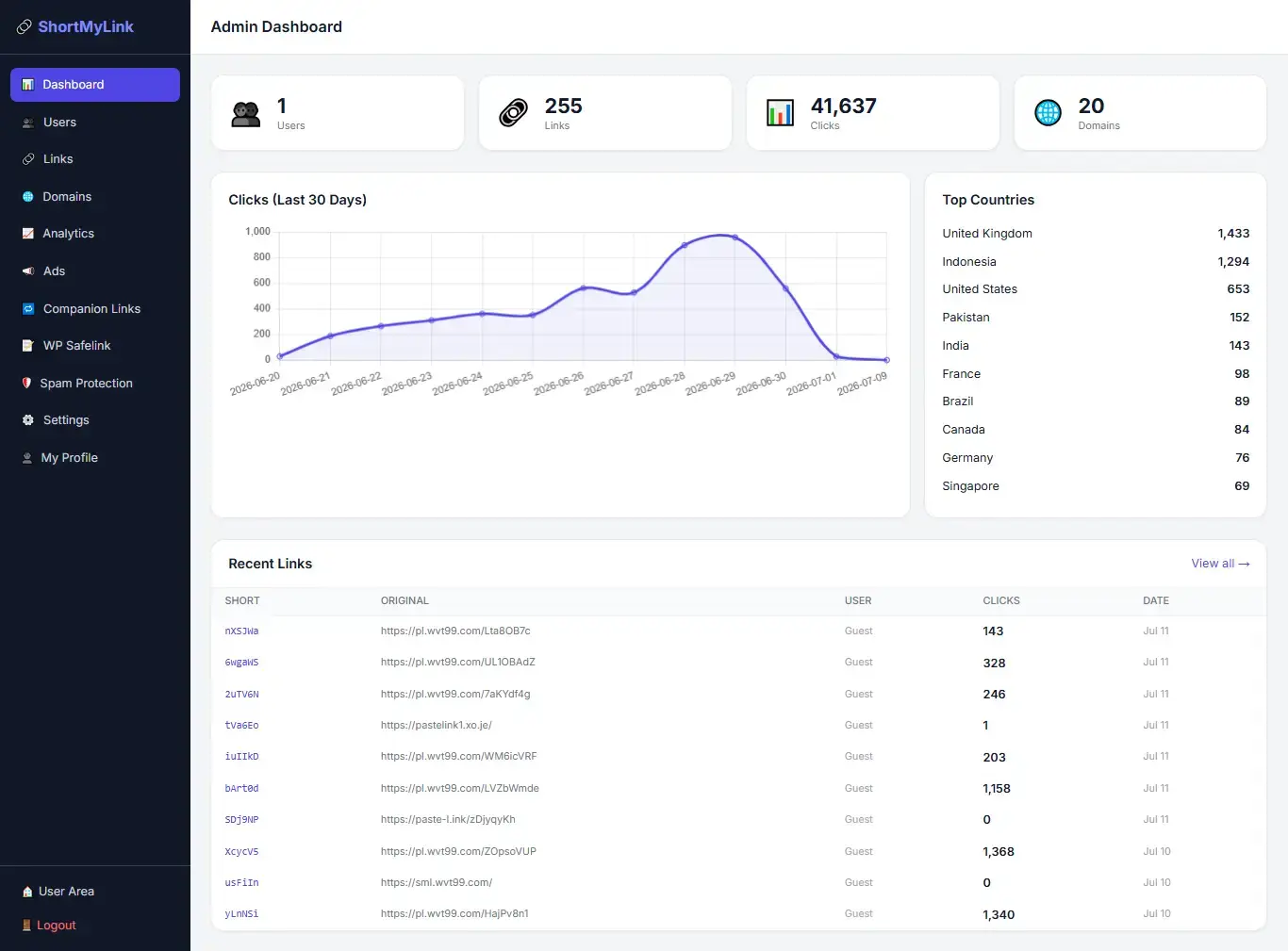
Full click stats and site-wide trends.
👥 User accounts
Visitors can register and manage their own links.
🛡️ Spam protection
Block abusive IPs or destination domains.
🧑💼 Full admin panel
Manage users, links, domains and every setting.
🔍 Full SEO built in
Meta tags, Open Graph, Twitter Cards, Schema.org.
🧩 Custom Code Injection
Paste Analytics/Header/Footer code site-wide.
⚡ Built-in caching
One-click cache clear keeps the site fast.
🙋 Who This Is For
- Software, movie, or APK/download site owners who want visitors to pass through monetized steps before reaching a download.
- Bloggers and WordPress site owners who want more pageviews and ad impressions from links they already share.
- Anyone who shares links on social media and wants to quietly earn from that traffic instead of sending it away for free.
- Agencies or site owners who want their own private, fully-branded link shortener instead of relying on a third-party service.
🚀 Getting Started
Setup is a one-time process: upload the files, run the install wizard, create your admin account — then everything (including all three money-making features) is managed from the Admin Panel with no coding required. Works on Hostinger, cPanel, InfinityFree, and any VPS.
✔ You can start with just Ad Rotation switched on, and turn on Companion Links or WP Safelink whenever you're ready — nothing has to be set up all at once.