WP Safelink - WordPress Multi-Step Safelink Plugin for ShortMyLink
WP Safelink is a lightweight WordPress plugin that connects to ShortMyLink and routes every link click through your own WordPress posts before reaching the destination. Turn one click into multiple monetized pageviews with a fully configurable step-by-step countdown system — no coding required.
✓ Recently Updated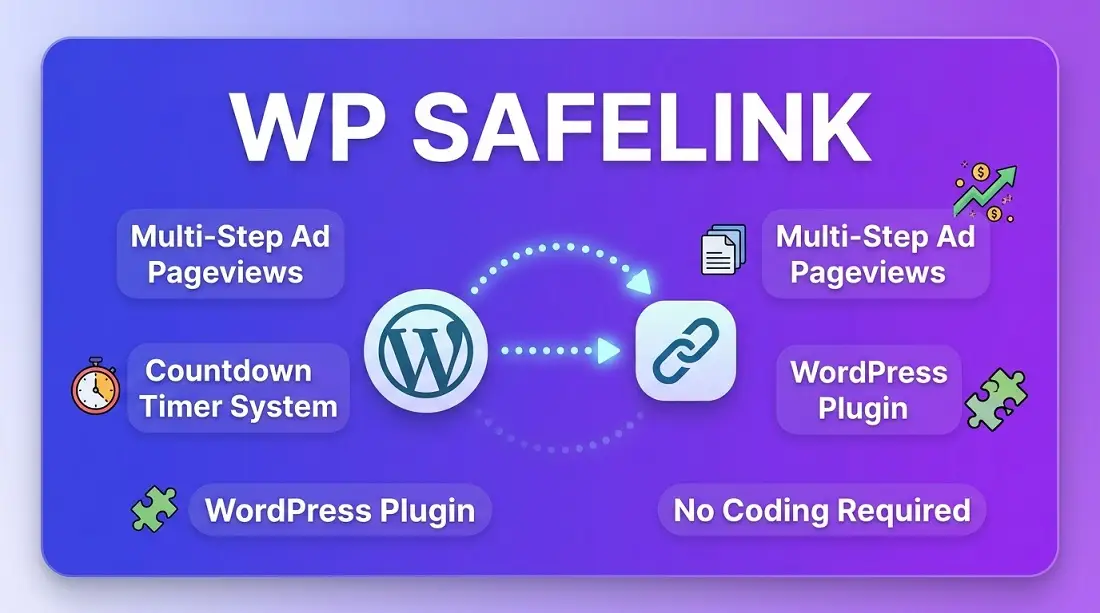
Description
Turn Every Link Click Into WordPress Pageviews
A free companion plugin that connects your WordPress site to ShortMyLink, sending every visitor on a short journey through your own posts — and your own ads — before they reach their real destination.
📌 What Is WP Safelink?
WP Safelink is a small, lightweight WordPress plugin built to work alongside ShortMyLink, the self-hosted link shortener. On its own, WP Safelink doesn't do very much — its whole job is to connect your WordPress site to ShortMyLink's Safelink feature, so that clicks on your short links can be routed through your WordPress posts before landing on the real link.
This is the same technique used by large software, movie, and APK download sites to turn a single link click into several real, ad-carrying pageviews on their WordPress site.
💰 Why Site Owners Use It
Every step a visitor passes through is a genuine pageview on your WordPress site — which means every ad you've placed there (display ads, ad networks, affiliate banners) gets shown again for every single visitor chasing a link, instead of just once.
⚙️ The Basic Idea First
Short link click → WordPress post 1 → WordPress post 2...N → Real destination
Instead of sending a visitor straight from your short link to their destination, WP Safelink makes them pass through a set number of your own WordPress posts first — each one a real pageview, each one a chance to show your ads — before they finally get where they were headed.
🧭 The Full Journey, Step by Step
Visitor clicks a ShortMyLink short link.
ShortMyLink checks if the Safelink feature is turned on for that link.
They land on one of your WordPress posts
(one you've added as a "feed link" in ShortMyLink), shown as Step 1 of N.
A countdown timer runs
(you choose how many seconds — for example 10) while they naturally see your post's content and any ads on that page.
A "Generate Next Link" button appears
once the countdown finishes. Clicking it sends them to the next WordPress post in your rotation — Step 2 of N — and the countdown repeats.
This continues for as many steps as you configured
(up to 5).
On the final step
, the button changes to
"Get Link"
— clicking it finally sends the visitor to the real destination they originally wanted.
🧩 How the Plugin and ShortMyLink Work Together
This is a two-part system, and each side has a very different job:
ShortMyLink Admin Panel Your ShortMyLink installation
Number of steps, countdown seconds per step, which WordPress posts to use, on/off switch
WP Safelink plugin Your WordPress site
Displays the countdown and step progress at the top of each post automatically
🧩 Setup is minimal: install and activate the free plugin on WordPress, then add one short line — [sml_action] — near the bottom of each post you want to use as a step. Everything else (steps, timers, which posts to rotate through) is configured from the ShortMyLink Admin Panel, with no coding required.
🎛️ What You Control From the Admin Panel
🔢 Number of steps
From 1 to 5. More steps mean more pageviews per visitor, but a longer wait before they reach their link.
⏱️ Countdown per step
Set the wait time individually for each step.
📝 Feed-link posts
Add any number of WordPress posts or pages; ShortMyLink rotates through them round-robin.
🔀 Round-robin rotation
Traffic is spread across your whole site instead of hammering just one page.
🔌 Master on/off switch
Turn the entire feature on or off for any link, any time.
📱 Mobile-friendly UI
The countdown and buttons are clean, fast, and work well on any device.
💡 Where the money comes from: a 3-step safelink turns one click into three monetized pageviews instead of one — every step is a real visit to your WordPress site, showing your ads again and again for every single visitor chasing a link.
🙋 Who This Is For
- Bloggers and WordPress site owners who want more pageviews and ad impressions from links they already share.
- Software, movie, or APK/download site owners who want visitors to pass through monetized steps before reaching a download.
- Anyone already running ShortMyLink who wants to add a WordPress-based earning strategy alongside their other monetization tools.
🚀 Getting Started
You'll need an existing ShortMyLink installation for the plugin to connect to. Once that's in place, installing WP Safelink is a standard WordPress plugin install: upload it (or install from your WordPress admin), activate it, add [sml_action] to the posts you want to use, then turn on the Safelink feature for any short link from your ShortMyLink Admin Panel.
✔ You can add or remove feed-link posts, or turn the whole feature off, at any time — no need to touch the plugin again once it's installed.