ScriptMarket - Self-Hosted PHP Digital Marketplace Script
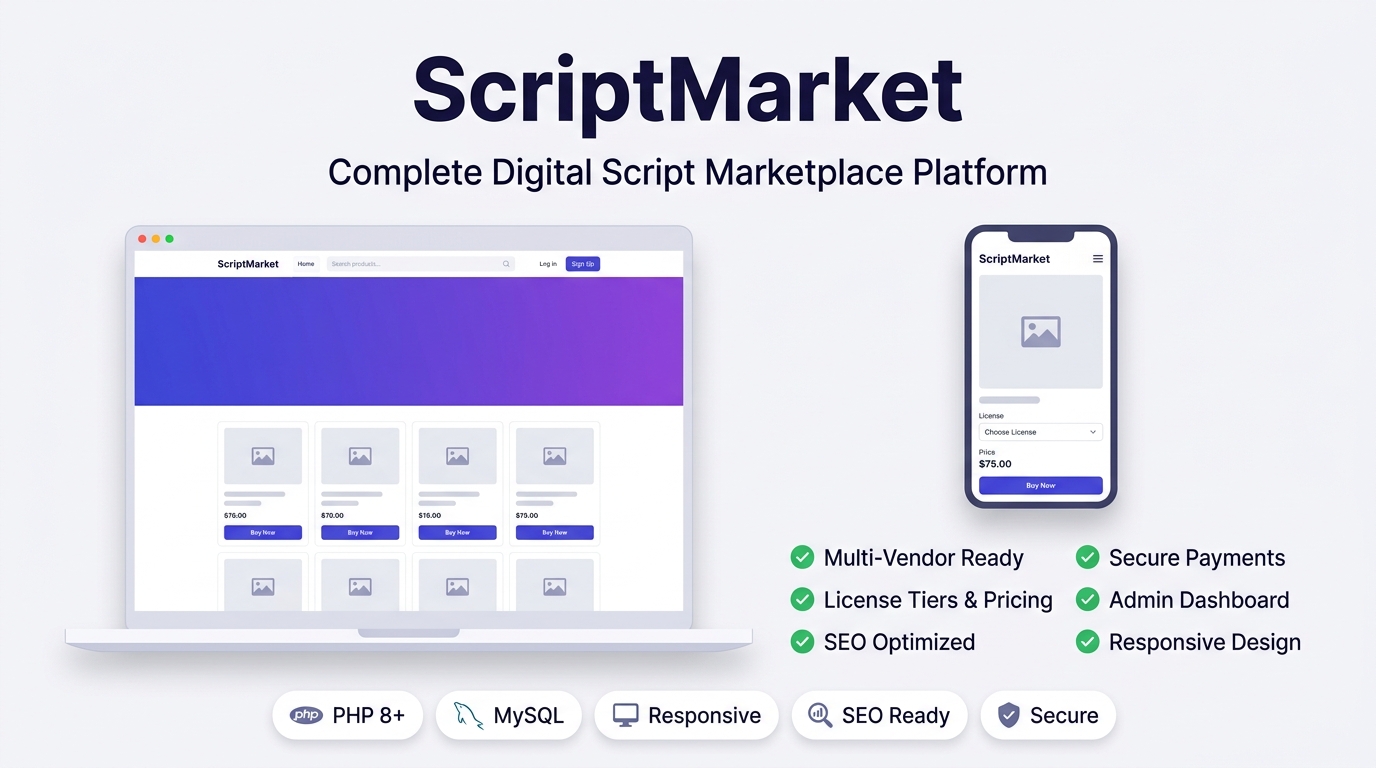
A complete self-hosted PHP + MySQL marketplace script to sell scripts, themes & plugins — your own branded store, zero platform fees, full admin control.
 🔍 View full screen
Description
Your Own Digital Script Marketplace, Fully Self-Hosted
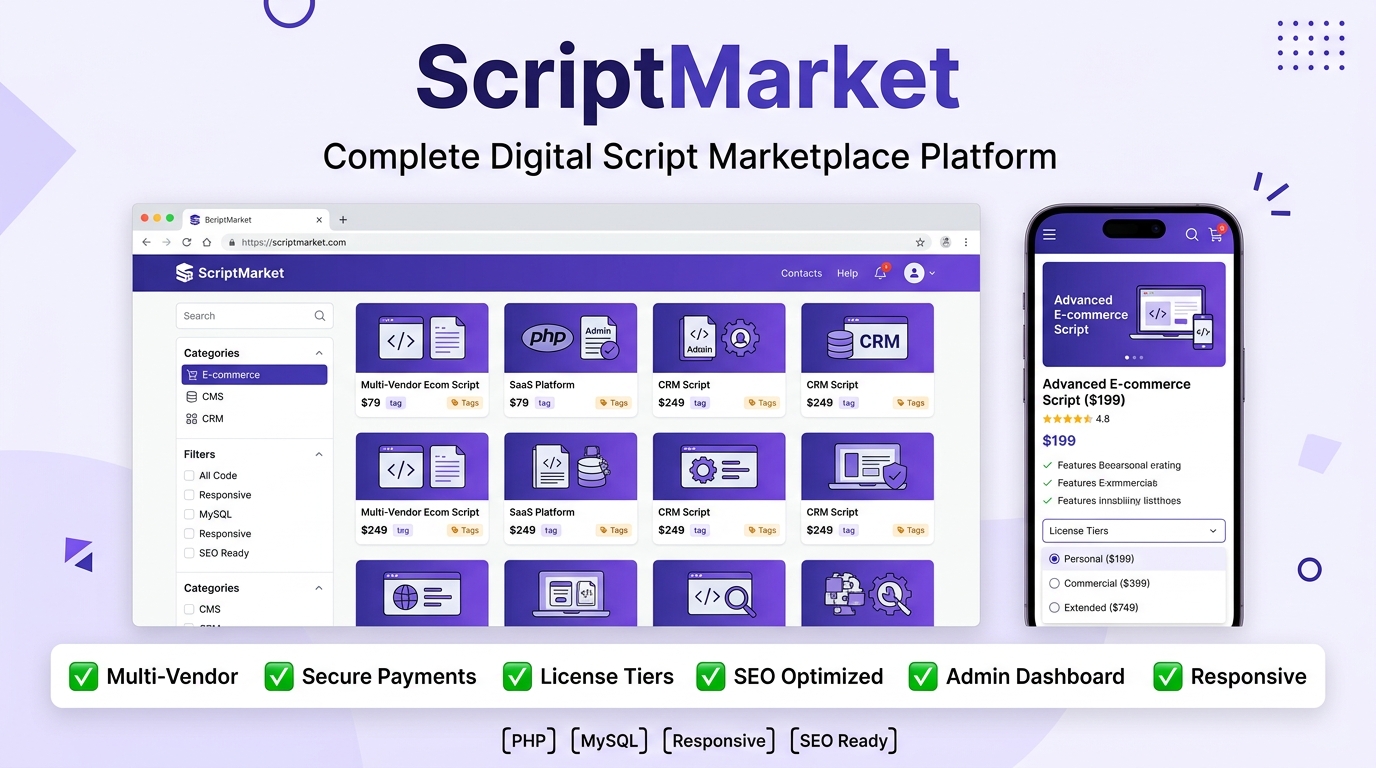
A self-hosted PHP + MySQL platform for selling PHP scripts, WordPress themes, WordPress plugins, and any other digital file — with no monthly commission, no third-party marketplace fees, and full control over your store.
Overview
ScriptMarket lets you run your own digital marketplace — like a private Envato/CodeCanyon — on any normal hosting plan. There is nothing to install on your computer: you upload the files to your server, run a simple browser-based install wizard, and your store is ready. No Composer, no Node.js, no command line needed.
Features
Everything you need to sell digital products online, built in from day one.
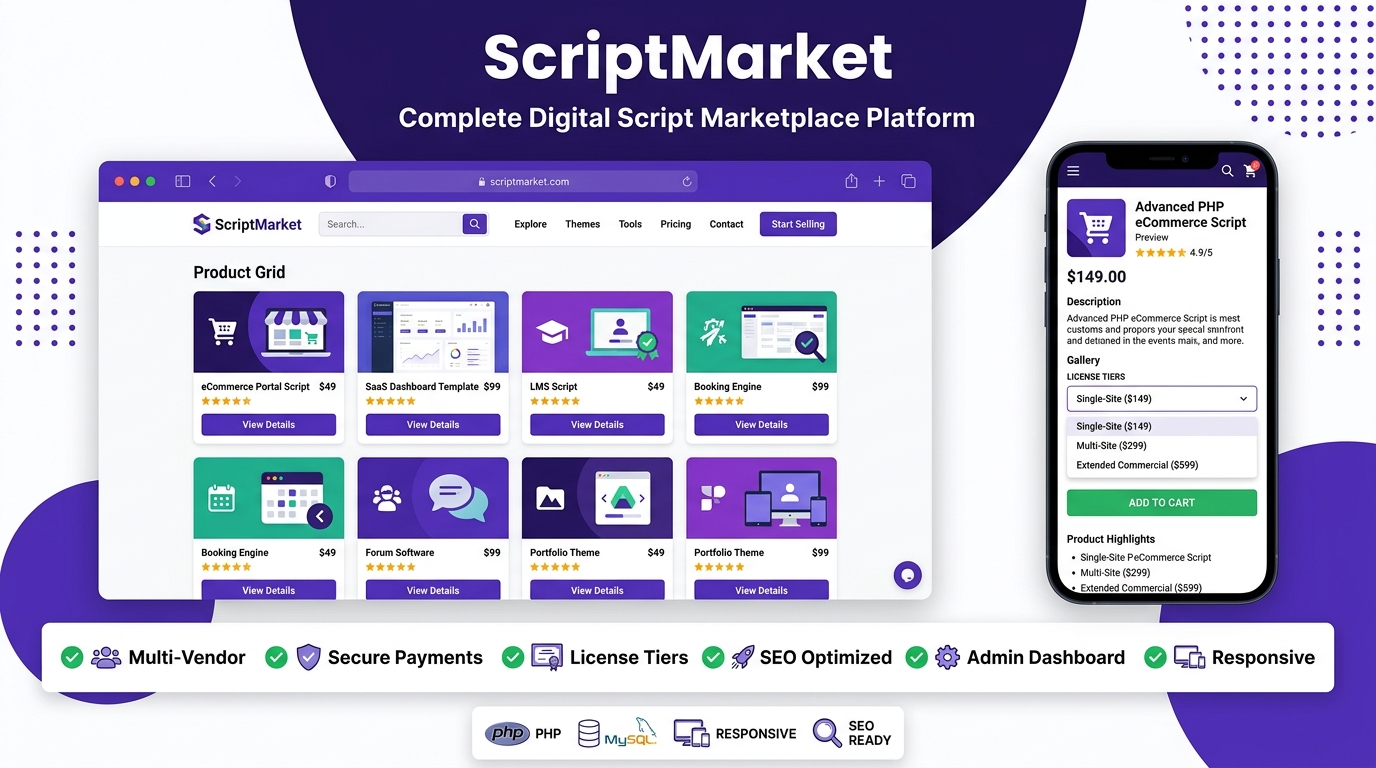
🛍️ Full Public Storefront
Homepage, categories, product pages, search, shopping cart, and checkout — all mobile-friendly and fast.
🖼️ Rich Product Pages
Multiple categories per product, an image gallery, a rich-text editor for the description, related products, and customizable license tiers (Regular, 1/2/3-Domain, or your own names/prices).
💳 Multiple Payment Methods
PayPal, Credit/Debit Card (via Stripe), Cryptocurrency (any coins you choose), and Manual Bank Transfer — turn each on or off anytime.
📧 Automatic Emails
Welcome email on signup, "Order Received" email for manual payments, and an Invoice email with the download link once an order is marked Paid. Built-in SMTP setup with a "Send Test Email" button.
🗂️ Full Admin Panel
Manage products, categories, orders, customers, messages, pages, and site settings — all from one dashboard.
🔐 Secure File Delivery
Purchasable files are stored outside the public folder and are only released through expiring, single-use-limited secure download links.
📈 Built-in SEO
Meta titles/descriptions, canonical tags, Open Graph & Twitter Card tags, Schema.org data, an automatic XML sitemap, and robots.txt on every page.
👤 Customer Accounts
Register, log in, and manage your profile, password, and order history from a personal "My Account" area.
🧾 Manual Order Creation
Got paid in person or outside the site? Create a manual order in seconds and instantly deliver the customer's download link — even creating their account for them automatically.
📄 Custom Pages Builder
Create or edit any page (Privacy Policy, Refund Policy, etc.) with the same rich-text editor used for products.
🎨 Branding Made Easy
Upload your own logo and favicon, set your currency symbol, and paste custom Analytics/Header/Footer code — all from Admin Settings.
🛡️ Serious Security
Bcrypt password hashing, CSRF protection on every form, SQL-injection-proof database queries, brute-force login lockout, and security headers — all included by default.
Benefits
Why run your store on ScriptMarket instead of a third-party marketplace?
✓ No Commission, Ever
Marketplaces like CodeCanyon take a large cut of every sale. With ScriptMarket, you keep 100% of what you earn.
✓ You Own Everything
Your products, customer data, and store design all live on your own hosting — nobody can suspend your account or change the rules on you.
✓ Works on Cheap Hosting
No special server requirements — a normal shared hosting plan (like Hostinger) is enough to run the whole platform.
✓ Easy for Non-Developers
Every day-to-day task — adding a product, replying to a message, approving an order — is a simple form in the Admin Panel. No coding needed.
✓ Flexible Payments
Accept cards, PayPal, crypto, or bank transfer — choose whichever combination suits your country and your customers.
✓ Search-Engine Friendly
SEO tags and a sitemap are generated automatically, helping your products get found on Google without extra plugins.
How to Use — Customer Side
What a visitor does to browse and buy a script.
🧭 Browsing & Buying
- Visit the homepage and use the search bar or the category menu (All Scripts, PHP Scripts, WordPress Plugins, WordPress Themes) to find a product.
- Open a product page to view the description, image gallery, and price. If the product has more than one license tier, choose one from the dropdown — the price updates automatically.
- Click Add to Cart, then go to the cart page to review your order and click Checkout.
- Choose a payment method (PayPal, Card, Crypto, or Bank Transfer) and complete the payment.
- If you paid by PayPal or Card, your order is marked Paid instantly and your download link appears right away. If you paid by Bank Transfer or Crypto, you'll see instructions to submit your payment proof — the store owner approves it manually, after which you receive an email with your download link.
👤 My Account
- Register with your name, email, phone, and address, or simply check out as a new customer (an account is created for you automatically).
- Go to My Account to update your profile, change your password, and view your full order history.
- Re-download any past purchase at any time from your order history (subject to the download limit set by the store owner).
How to Use — Admin Panel
What the store owner does after logging in at /login.php.
➕ Adding a Product
- Go to Admin Panel → Products → Add New Product.
- Fill in the title, description (rich-text editor), price, and one or more categories.
- Choose a file for the Thumbnail, Product File, and any Gallery Images, then click the Upload button next to each — you'll see a checkmark confirming it was saved before you save the product.
- Optionally set up License Tiers with your own names and prices (e.g. Regular License, Extended License).
- Fill in the Meta Title / Meta Description / Keywords for SEO, then set Status to Published.
📦 Managing Orders
- Go to Admin Panel → Orders to search, view, or edit any order.
- For Bank Transfer / Crypto orders, verify the payment proof and click Approve & Mark Paid to release the download link to the customer.
- Use Create Manual Order to deliver a product instantly to a customer who paid you outside the site (in person, cash, etc.) — pick an existing product or upload a brand-new file just for them.
⚙️ Store Settings
- General Settings: site name, logo, favicon, currency symbol, and default SEO text.
- Payment Methods: turn PayPal, Stripe, Crypto, and Bank Transfer on or off, and enter your API keys / wallet addresses / bank details.
- Email: set up your SMTP details and turn the Welcome, Order Received, and Invoice emails on or off.
- Custom Code: paste Google Analytics, Facebook Pixel, or any header/footer code once — it applies sitewide.
- Admin Login Credentials: change your own admin email and password anytime.
Requirements
PHP - Version 8.0 or newer
Database - MySQL 5.7+ or MariaDB 10.3+
PHP Extensions - pdo_mysql, curl, fileinfo, gd (recommended)
Web Server - Apache with .htaccess / mod_rewrite (most shared hosting, e.g. Hostinger, cPanel) — or Nginx/Apache on a VPS
 ShortMyLink + WP Safelink Bundle - PHP URL Shortener & Monetization Script
 WP Safelink - WordPress Multi-Step Safelink Plugin for ShortMyLink
 Popunder Smart Rotator - Stealth Ad Script for Website Monetization
 MultiViewSync - Youtube Views Completer Scripts
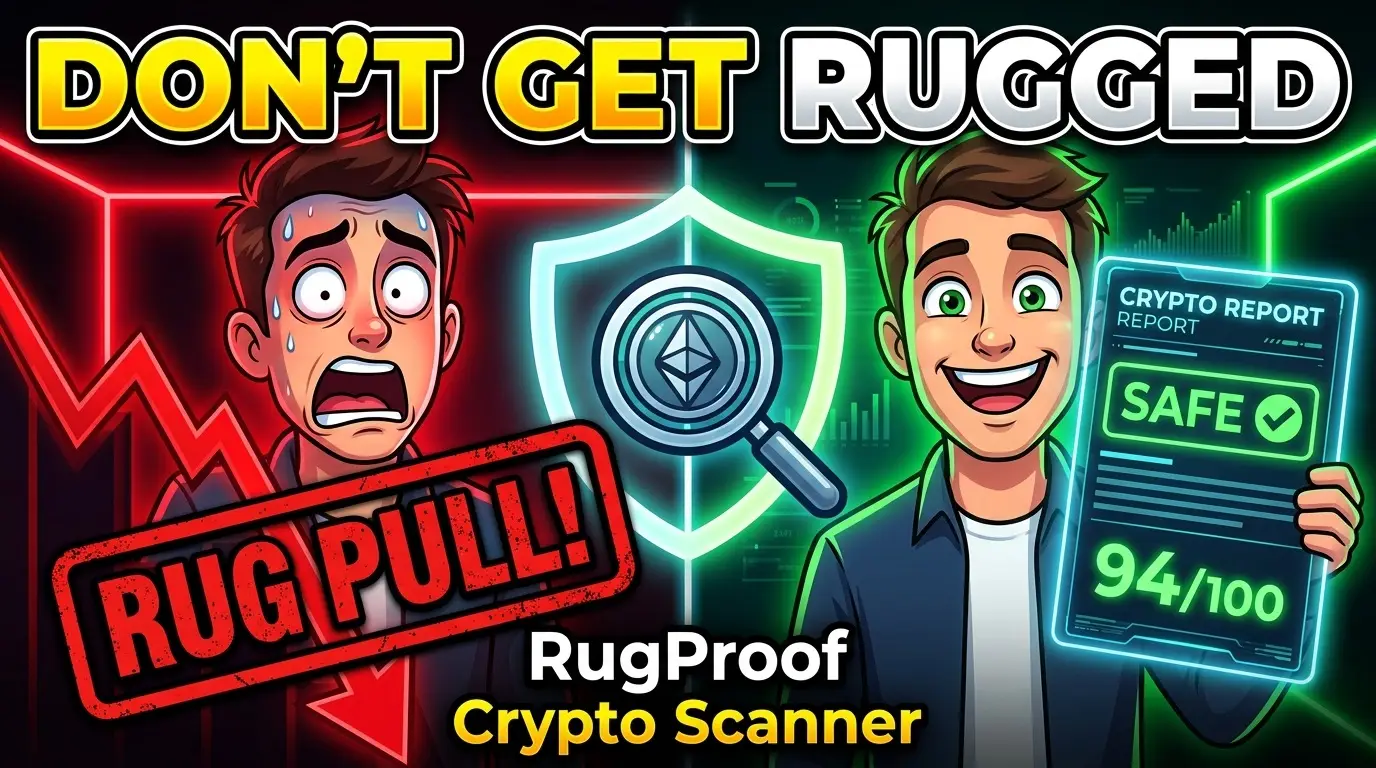 RugProof — Crypto Rug-Pull & Honeypot Checker Script with 25+ Tools & Ad Monetization